
Offline & in-store feedback

Collect feedback at physical touchpoints

Capture feedback where real-world experiences happen — in stores, at events or on products — and analyze it alongside your digital feedback.
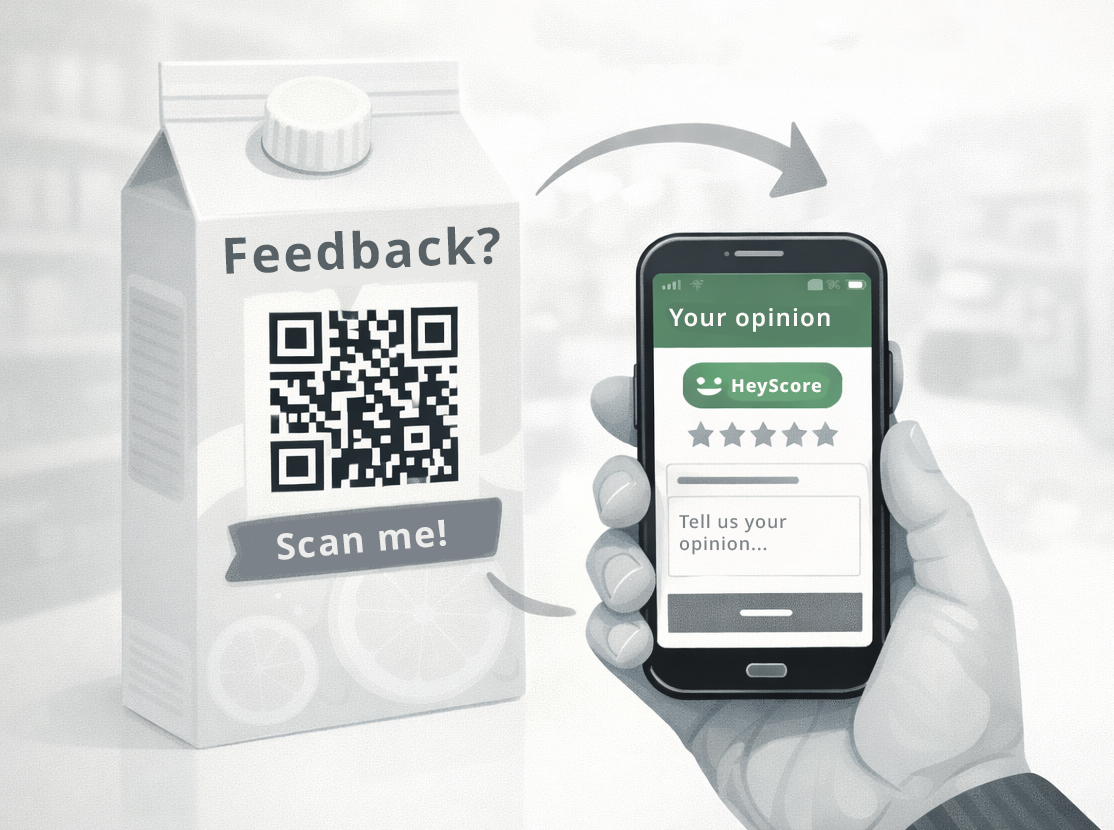
Setup: Easy Time to value: Minutes Included in: Free, Starter, Pro
QR-based feedback works even in the Free plan.
Collect feedback at physical touchpoints

What you achieve

Bring NPS and sentiment to the places where customer experience is created.

In-the-moment feedback
Capture feedback immediately after the experience — not days later.
Higher context
Understand store/event/product context better than generic surveys.
Bridge offline and online
Analyze offline feedback next to digital touchpoints in one dashboard.
Better operations
Spot recurring issues in physical locations and improve processes.
Common KPIs
In-store NPS Feedback volume by location Top negative topics Trend by week

How it works

Use QR codes or on-site devices to collect quick feedback at the point of experience.

  1. Pick the physical touchpoint
    Store exit, counter, event booth, packaging insert, receipt.
  2. Choose the collection method
    QR code on print materials or a tablet/kiosk on-site.
  3. Collect quick feedback
    Use a short form to maximize participation.
  4. Analyze centrally
    Combine offline and online feedback to see the full picture.
Used features
Feedback collection QR codes Hosted forms Dashboards & trends

Examples

Common physical scenarios.

Retail store
Collect NPS at the exit or after checkout via QR or tablet.
Events
Capture feedback at booths or after sessions with a QR on signage.
Printed documents
Place a QR on receipts, delivery notes or flyers to collect feedback.

Setup

Start with a QR code and a short form. Tablets/kiosks can be added later.

Create a short form
Keep it quick: rating + optional comment.
Generate a QR code
Print it on posters, receipts, packaging or signage.
Review results weekly
Spot location-specific trends and recurring themes.
Bring feedback into the real world
Collect NPS and comments in-store, at events, or on products — and analyze everything in one place.

Use case FAQs

No. QR codes open a mobile-friendly form in the browser.

Yes. Many teams run the same form on a tablet for walk-up feedback.

Yes. It appears in the same dashboards and trend views.